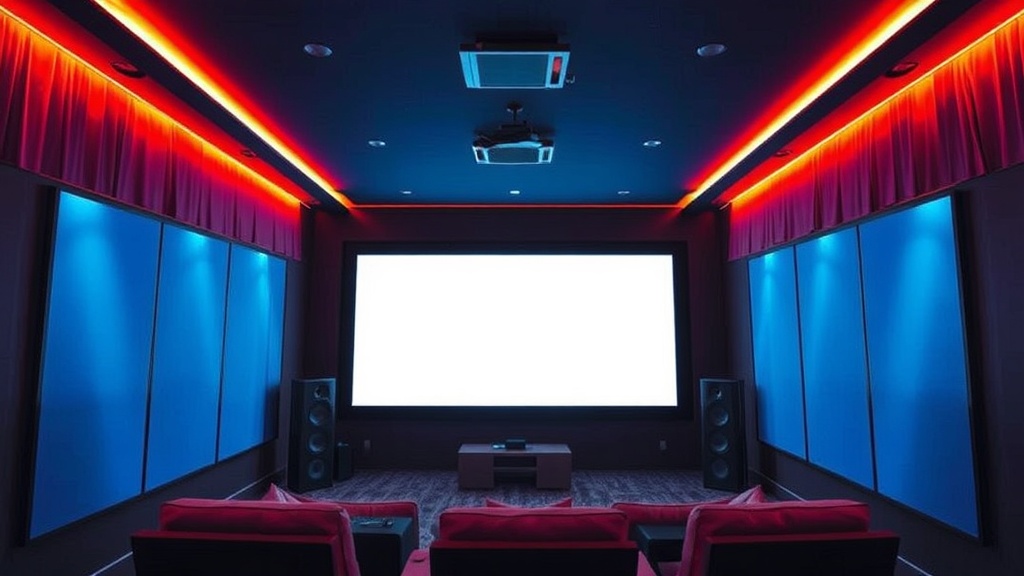
Building a High-End Home Theater Experience on a Budget

Want to turn your living room into a private cinema without spending a fortune? This guide breaks down how to select high-quality audio, visual, and seating components that mimic the professional theater experience on a realistic budget. We'll look at where to spend your money and where you can save it without sacrificing the quality of your movie nights.
How Much Does a High-End Home Theater Cost?
A high-end home theater setup typically costs between $2,500 and $7,000 depending on whether you prioritize a massive screen or high-fidelity sound. You don't need a professional installer to get great results, but you do need a plan. Most people overspend on the screen and underspend on the sound—a mistake you'll want to avoid.
The biggest variable is the display. If you're looking at a standard 65-inch 4K TV, you might spend $800. If you're looking at a dedicated 120-inch projection system, that number jumps significantly. It's a trade-off between sheer size and pixel density.
Here is a rough breakdown of how to allocate your budget effectively:
| Component | Budget Tier ($) | Premium Tier ($$$) |
|---|---|---|
| Visuals (Display) | $500 - $1,200 | $3,000+ |
| Audio (Sound System) | $300 - $800 | $2,000+ |
| Seating/Comfort | $200 - $600 | $1,500+ |
| Media Source | $0 (Streaming) | $500+ (Physical Media) |
What is the Best Way to Get a Cinematic Screen?
The best way to get a cinematic screen is to choose between a high-quality 4K projector or a large-format OLED TV based on your room's lighting.
If your room has controlled lighting (meaning you can make it pitch black), a projector is your best friend. A projector like the Epson Home Cinema series can create a massive, immersive image that a standard TV just can't match. However, if you use this room for daytime watching, a high-end LED or OLED TV might be a smarter move because they handle ambient light much better.
Don't forget the screen itself. If you go the projector route, don't just project onto a white wall. A dedicated projection screen—even a simple one—improvers contrast and brightness. It makes a huge difference in how colors pop during a dark scene in a film noir or a space epic.
For those who want the best possible image quality, look into the OLED technology. It offers true blacks, which is something a standard LCD can't do. When you're watching a movie with deep shadows, that contrast is what makes it feel "expensive."
The Visual Setup Checklist
- The Display: Decide between a 4K Projector for size or an OLED TV for color accuracy.
- The Surface: Use a fixed-frame screen if possible rather than a portable one.
- The Source: Ensure you have a high-bitrate source like a 4K Blu-ray player to actually see the detail you're paying for.
How Do I Get Immersive Sound Without a Full Surround Setup?
You can achieve immersive sound by prioritizing a dedicated soundbar with upward-firing drivers or by building a customized 5.1 surround sound system.
Many people think they need a dozen speakers to get the "movie feel." That's not true. A high-end soundbar from a brand like Sonos can provide a surprisingly wide soundstage. It's a great shortcut if you don't want to run wires across your floor (a total nightmare, by the way).
If you're willing to do a little more work, a dedicated receiver and separate speakers will always beat a soundbar. A 5.1 setup—meaning five speakers and one subwoofer—is the gold standard for home enthusiasts. The subwoofer is the secret weapon here. It's what gives you that physical "thump" during an action sequence.
The goal is to create a "sound bubble." You want to hear a car drive from the left side of the screen to the right. You want the rain to sound like it's hitting the ceiling. This level of detail is what separates a "watching a movie" experience from "being in the movie."
If you're already an audio enthusiast, you might find interest in finding your signature vinyl sound, as the principles of high-fidelity audio remain similar across different mediums.
Which Accessories Are Actually Worth the Money?
The most valuable accessories for a home theater are high-quality cables, blackout curtains, and ergonomic seating.
Don't go overboard with "audiophile" cables that cost hundreds of dollars for a single cord. Most of the time, a decent, shielded HDMI 2.1 cable is more than enough. The physics of signal transmission doesn't change just because the cable has a gold-plated tip.
Instead, spend that money on controlling your environment. Lighting is everything. If light is leaking in from a window, your expensive projector will look washed out and cheap. Heavy, blackout curtains are a low-cost way to dramatically improve your screen's contrast.
Then there's the seating. If you're uncomfortable, you won't enjoy a three-hour epic. You don't need to buy motorized leather recliners immediately, but a decent rug to dampen sound and a comfortable sofa are non-negotiable.
- Lighting Control: Blackout curtains or smart dimmable lights.
- Cable Management: Use cable sleeves to keep the floor from looking like a spiderweb.
- Acoustic Treatment: Even a few soft surfaces (like a rug or heavy curtains) will stop echoes that ruin your audio.
One thing to keep in mind: your viewing angle matters. If you're sitting too far away, the scale of the screen won't feel immersive. If you're too close, you'll see the pixels. Aim for a seating position that keeps the screen filling your field of vision without causing eye strain.
When you're building this out, remember that it's a process. You don't have to buy everything at once. Start with a solid display and a decent soundbar, then slowly add the subwoofers, the rear speakers, and the specialized lighting as your budget allows. It's better to have a great 2-channel system than a mediocre 7-channel system that sounds hollow and disconnected.